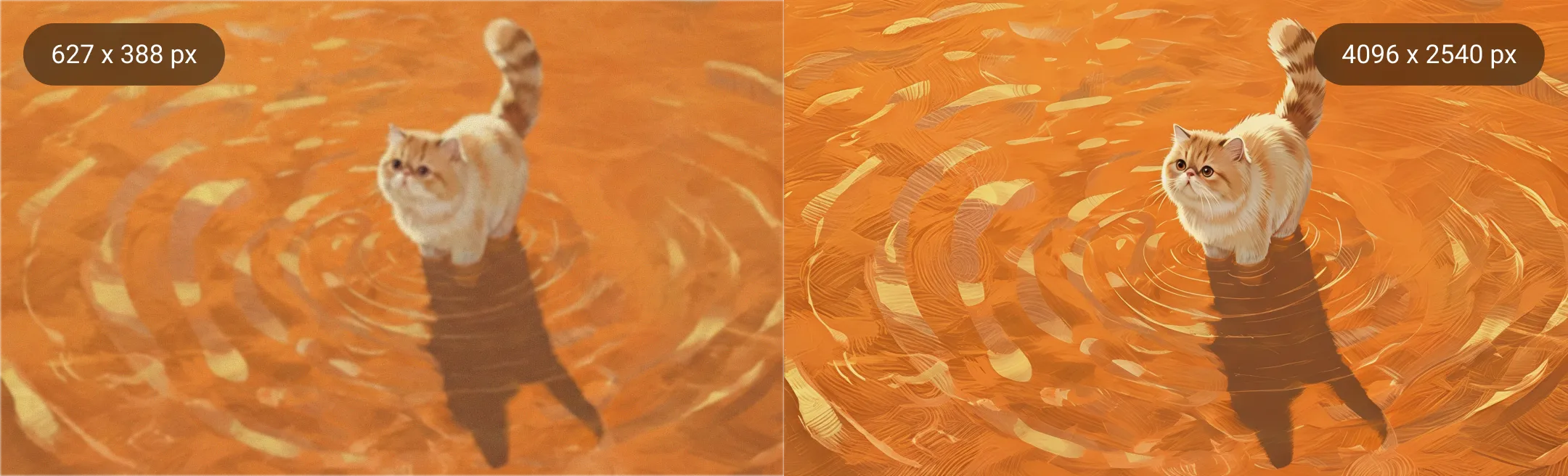
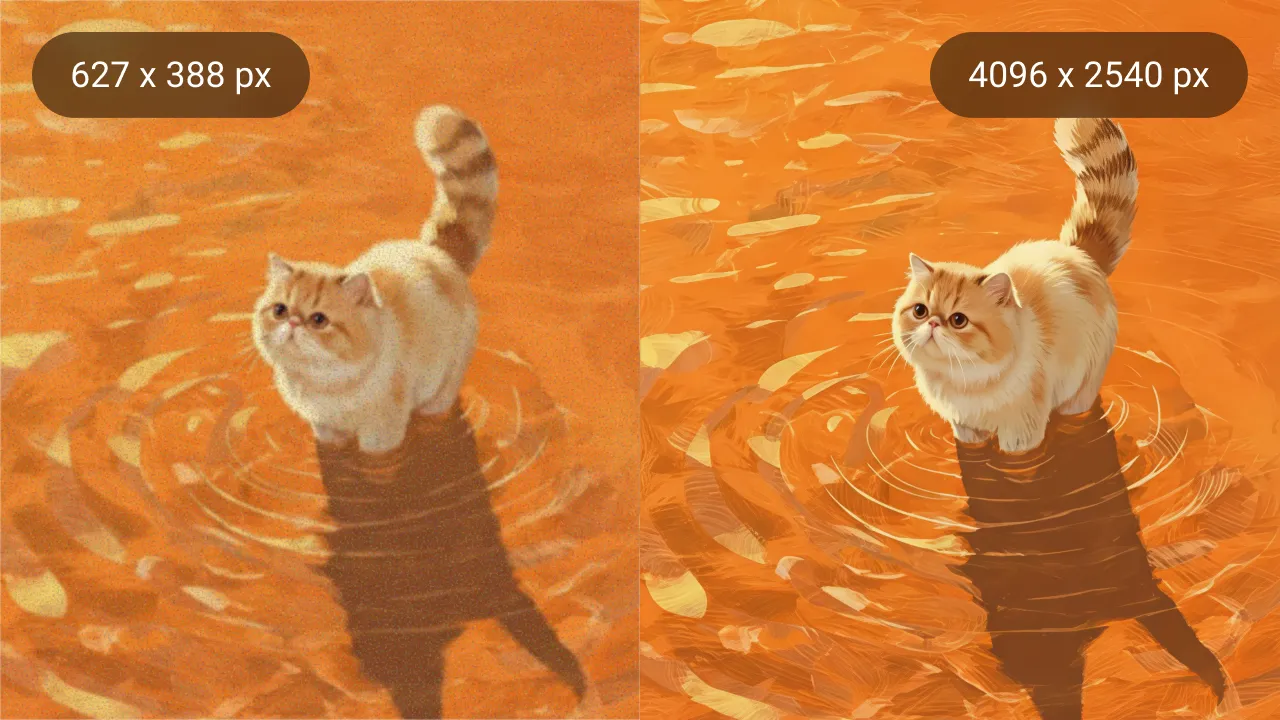
Midjourney Upscaler
Drop images here or paste (Ctrl+V)
Drop images here or paste (Ctrl+V)
Max 200 photos
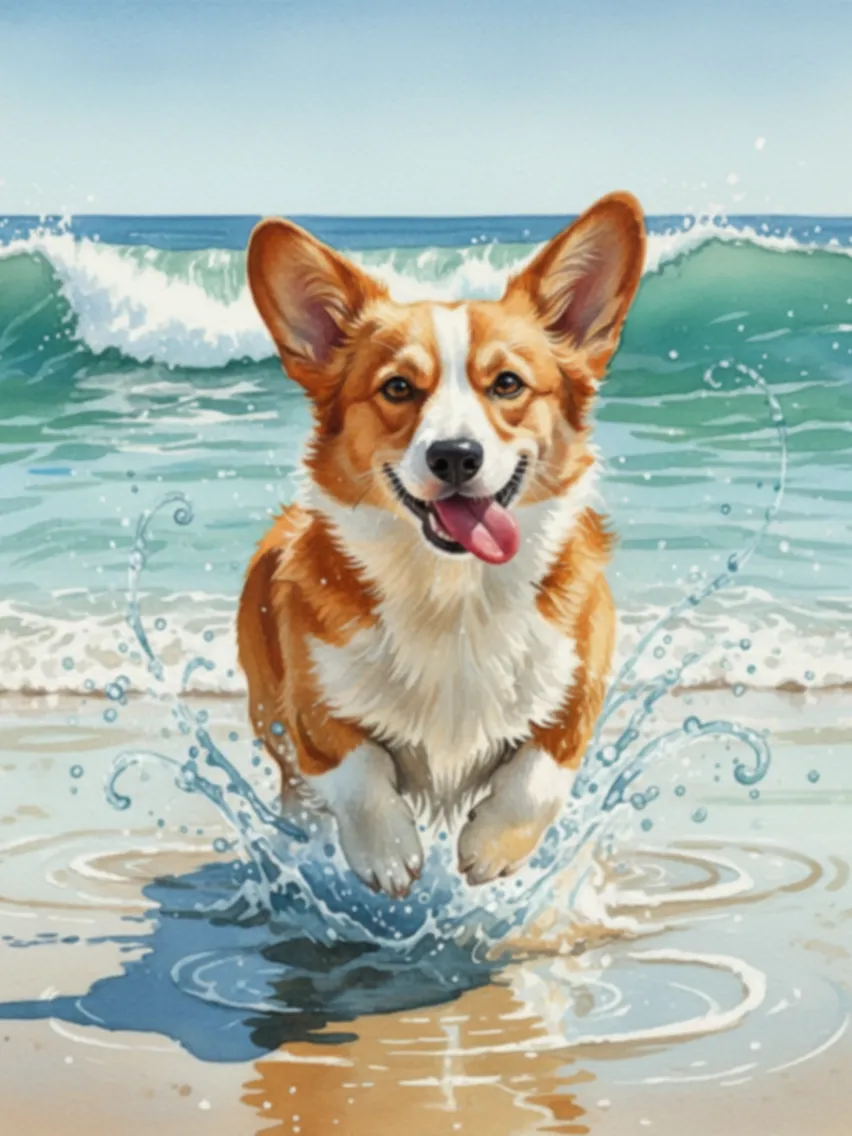
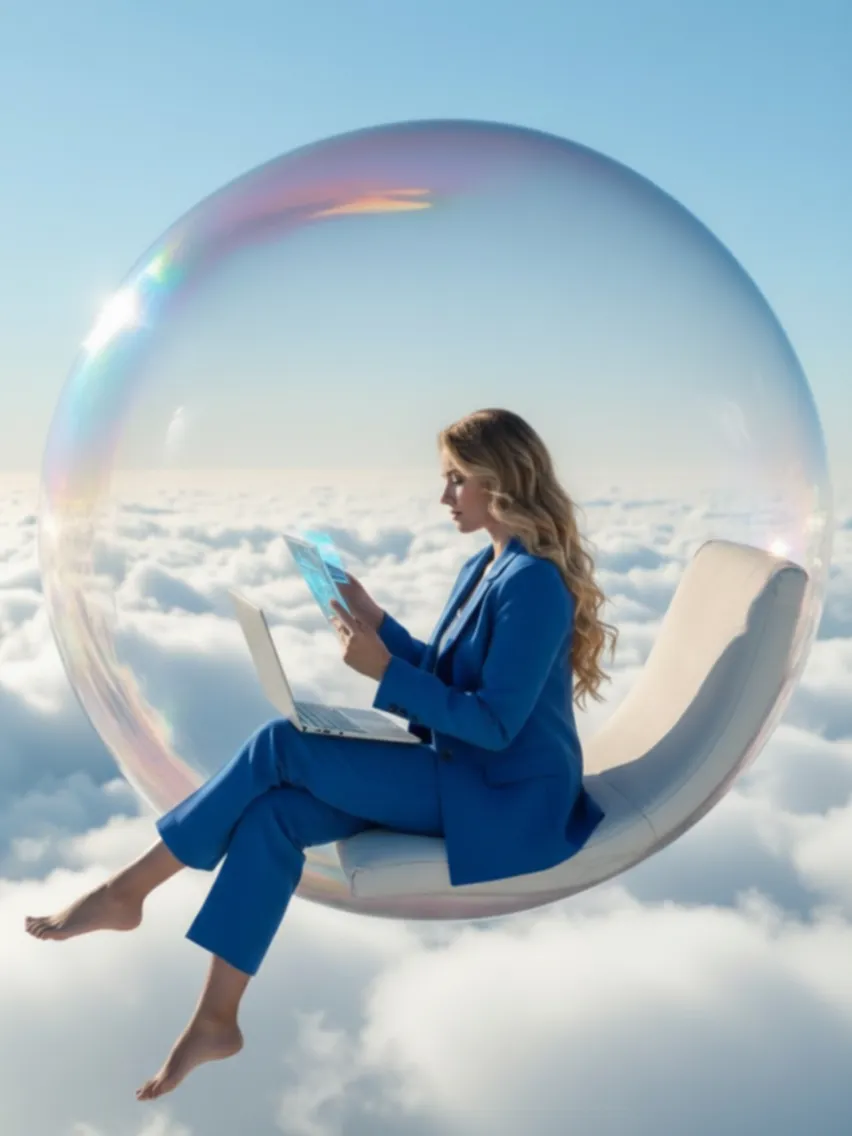
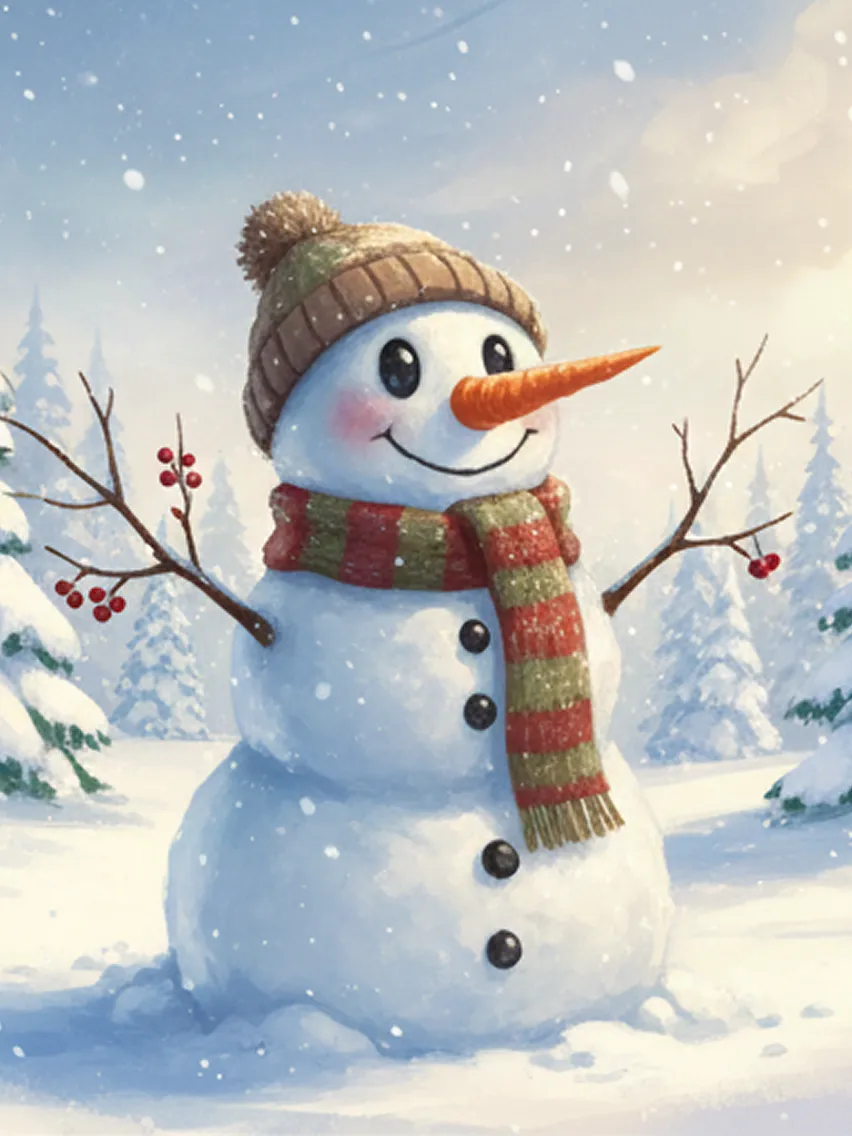
Easy and Fast
Upscale your Midjourney images in just one click. It's fast and delivers results in seconds.
No Quality Lost
Enhance images up to 4X while preserving every detail, texture, and style exactly as generated in Midjourney.
Batch Upscaling
Upload up to 200 Midjourney images at once and let AI upscale them together, saving time and effort.
Secure and Private
Your images are processed securely and stored in the cloud, accessible only by you.
How to Upscale Midjourney Images?
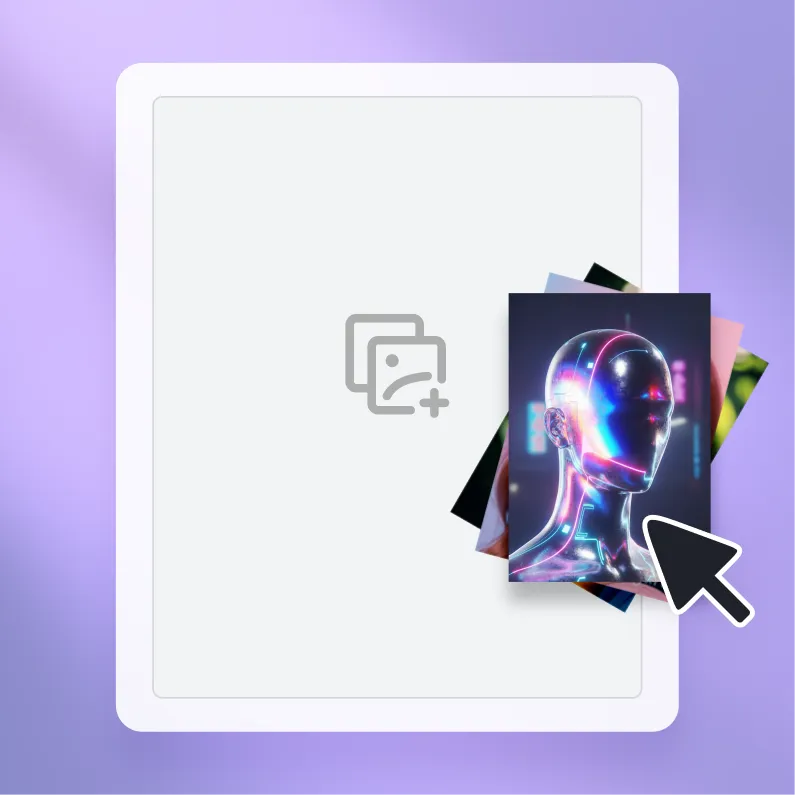
Step 1. Upload
Select your Midjourney creations and upload them to Artguru.
Step 2. Upscaling
All it takes is a few seconds to turn your Midjourney image to higher resolution.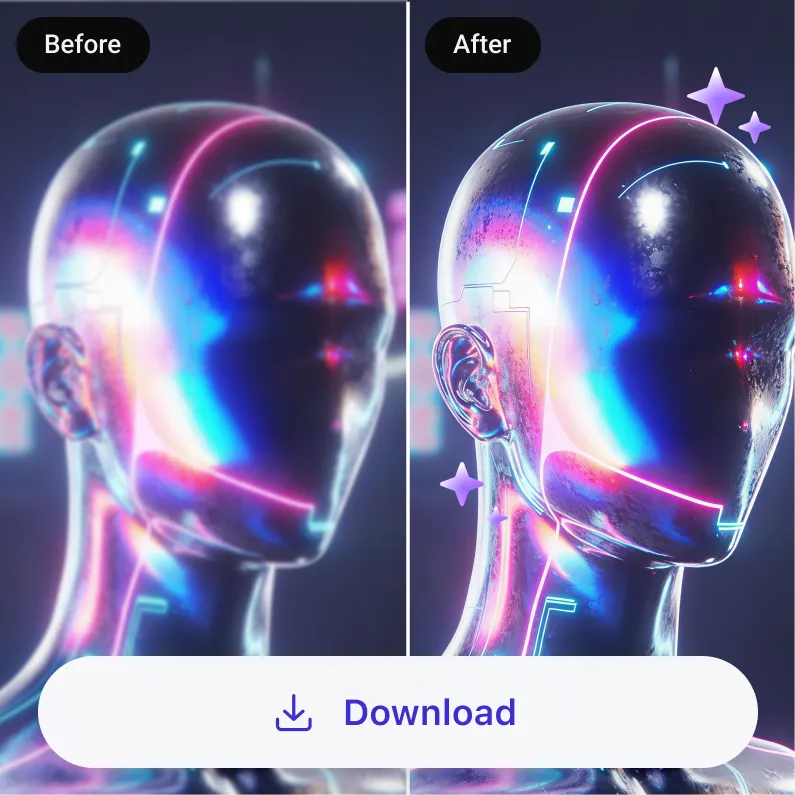
Step 3. Download
Preview the result and save your larger high-quality Midjourney images.What Users Say about Artguru Midjourney Enhancer

4K No Loss
Artguru's Upscaler works really well. My fantasy illustrations go to 4K without losing any detail.
Time Saver
Saves me a lot of time. I rely on it for nearly every Midjourney project, including character design, landscapes, and digital artwork.
Fast Delivery
Artguru helps me get my AI creations to clients faster, which has also increased my income. Really handy.FAQs About Midjourney Upscaler