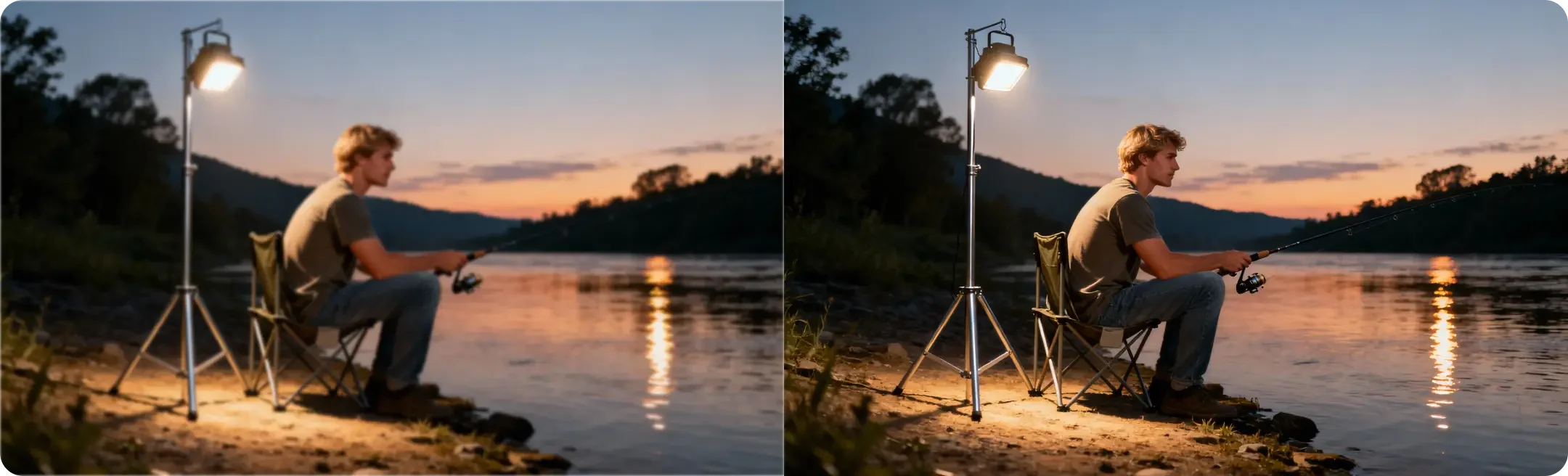
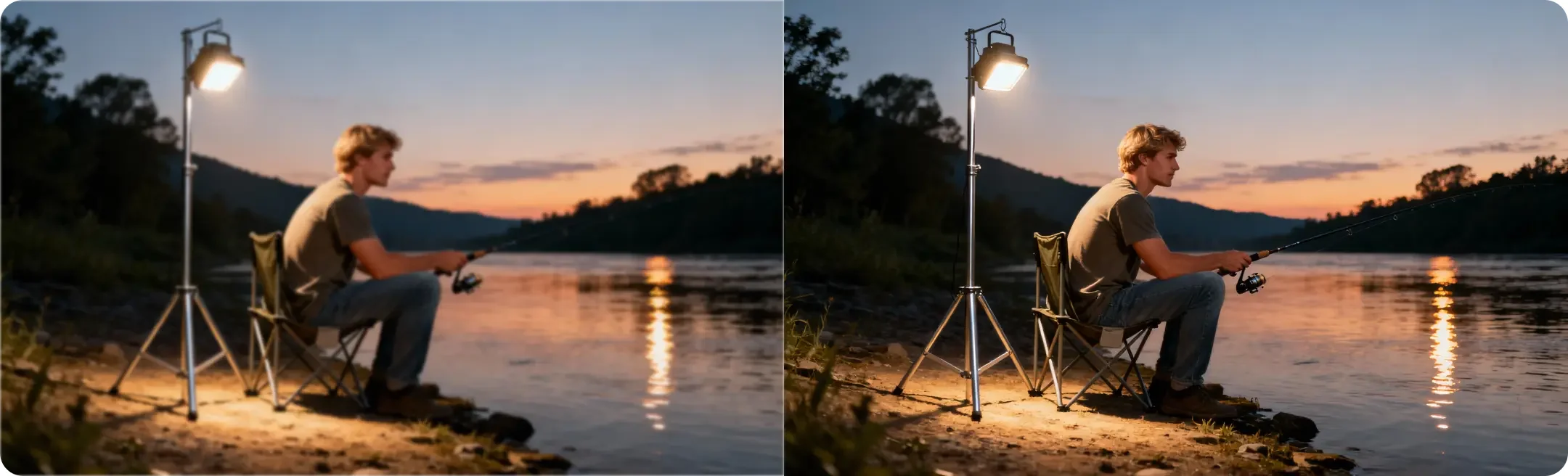
Unblur Image Online
Drop images here or paste (Ctrl+V)
Drop images here or paste (Ctrl+V)
Max 200 images


One-click unblur
Fix blurry photos with one click. No manual adjustments or editing skills needed.
Clear, natural details
AI reduces blur and improves resolution, bringing out sharper details with a natural-looking finish.
Two unblur modes
Choose from two AI modes to improve photos with different levels of blur.
More image types
Unblur portraits, text, products, and screenshots affected by soft focus, shake, or compression.
AI blur remover for clearer images in seconds
When an image isn’t clear enough for what you need, improving it shouldn’t mean hours of editing. Artguru’s AI blur remover handles the enhancement automatically, turning time-consuming manual adjustments into a few simple clicks. Get a clearer version of your image without the extra editing work.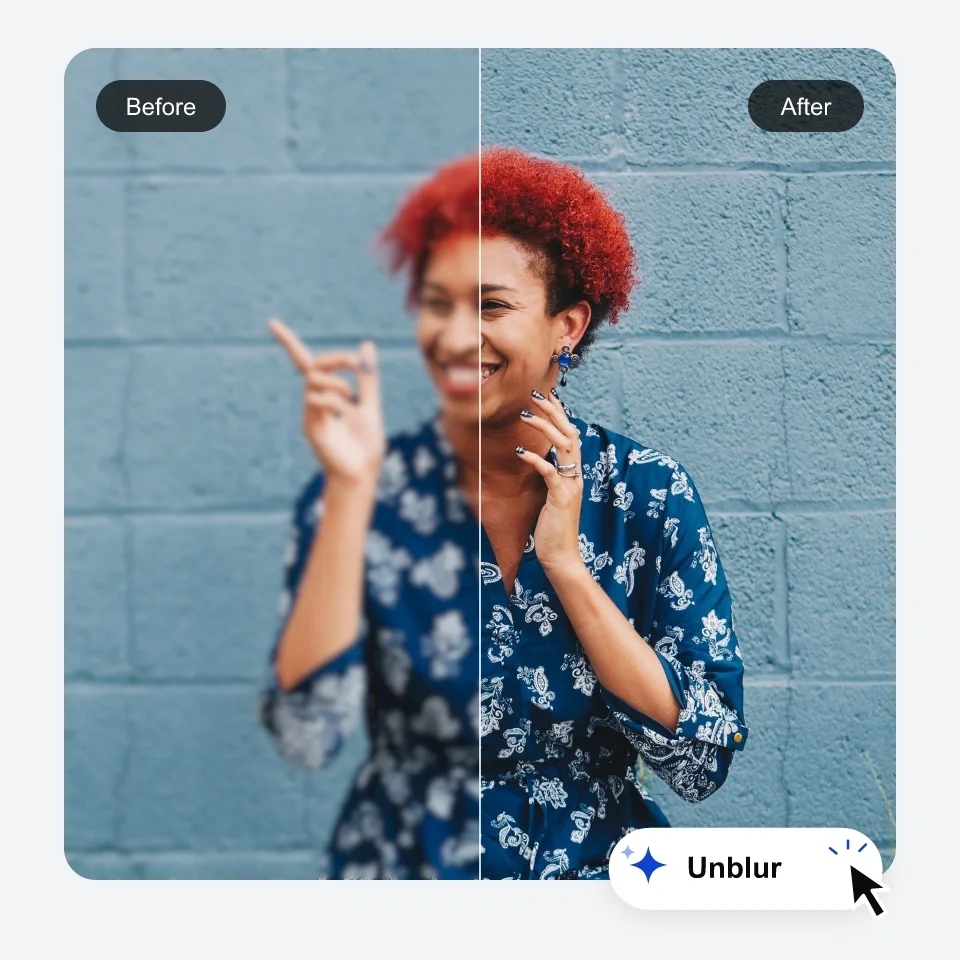
How to unblur an image online
Step 1. Upload your images
Select a photo from your device or drag and drop it onto the page. You can also upload multiple images at once for batch processing.Step 2. Unblur with AI
Choose a mode and click to start. A single photo usually takes just seconds. For multiple images, processing runs in the background while you get on with other tasks.Step 3. Preview and download
Compare before and after on the page, and zoom in to check the details. Once you're happy with the result, download a single image or save the whole batch as a ZIP in one click.Fix blurry portrait photos for clearer facial details
From selfies and group photos to professional portraits, blur can leave faces looking soft and indistinct. Remove blur from photos affected by focus issues, slight camera shake, or compression with Artguru’s AI tool. Bring facial features into clearer focus, with a natural-looking finish rather than an overly sharpened look.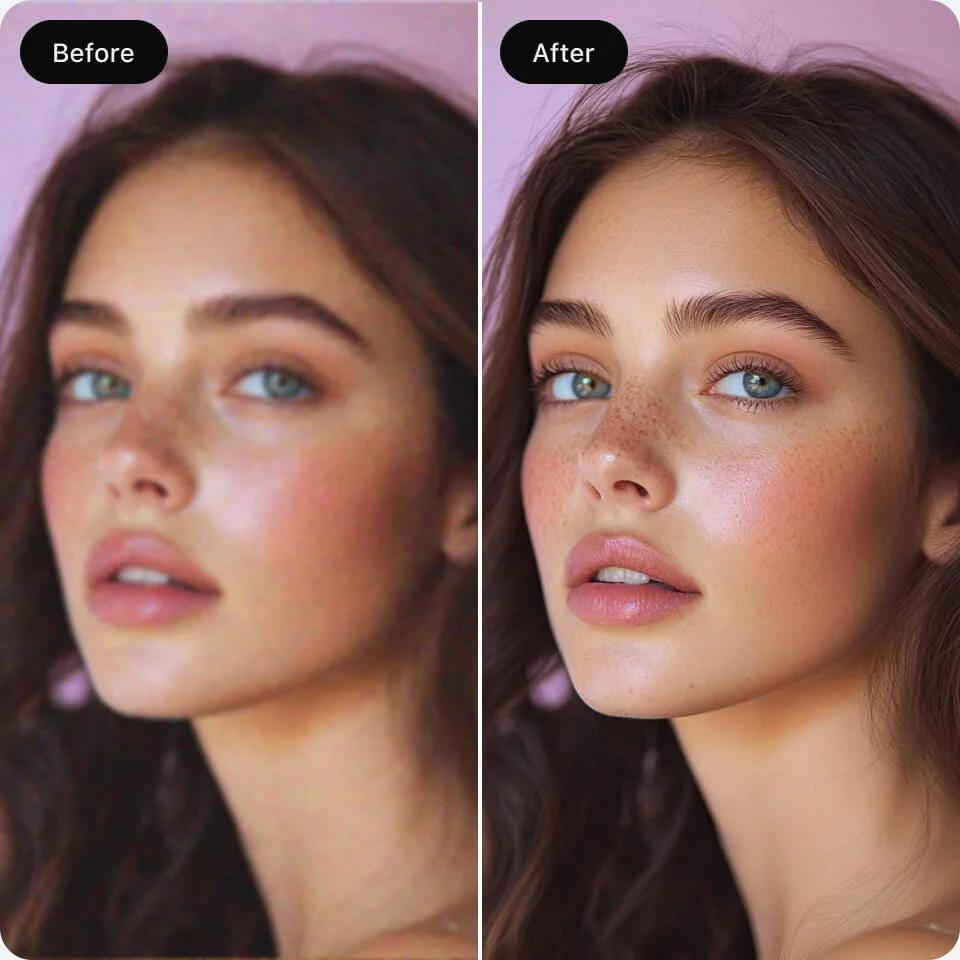
Unblur text in images for better readability
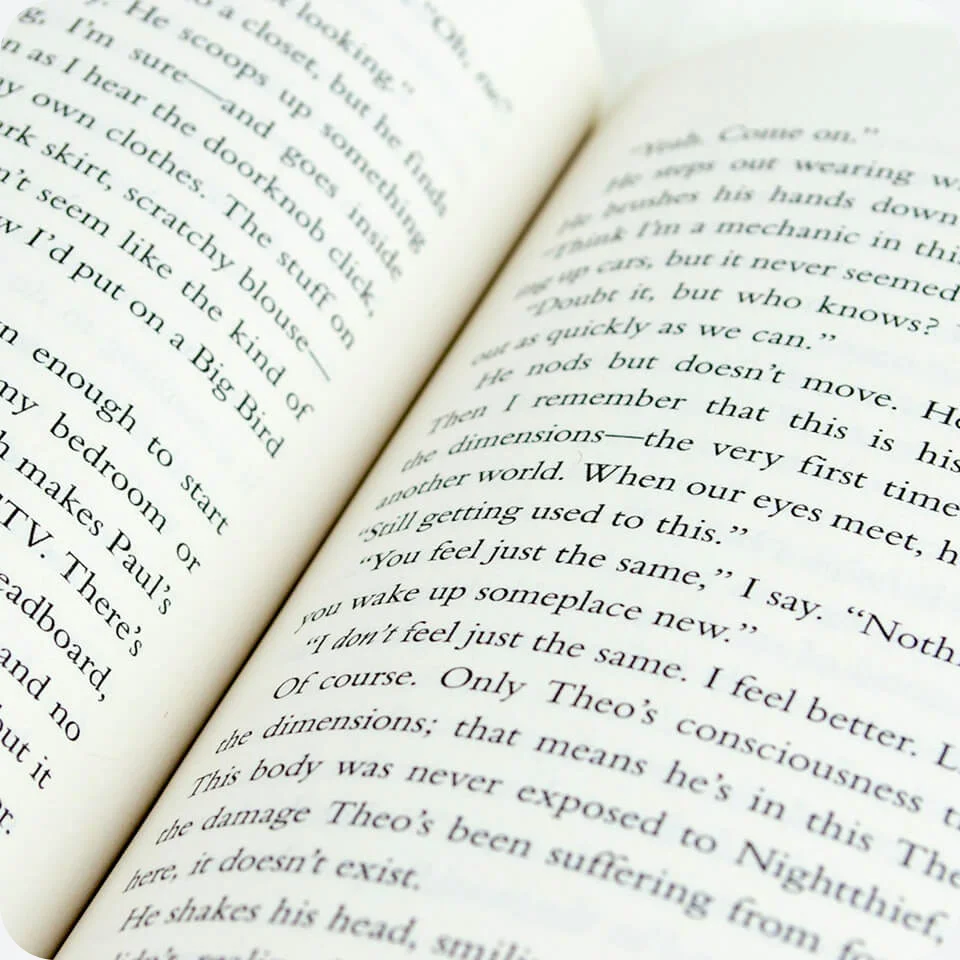
A blurry receipt or product label can make important information hard to make out. Sharpen lettering and character edges for easier reading. For images where the words matter most, Artguru’s dedicated image text enhancer focuses on unblurring text in documents, labels, and screenshots.
Unblur images for product listings and printing
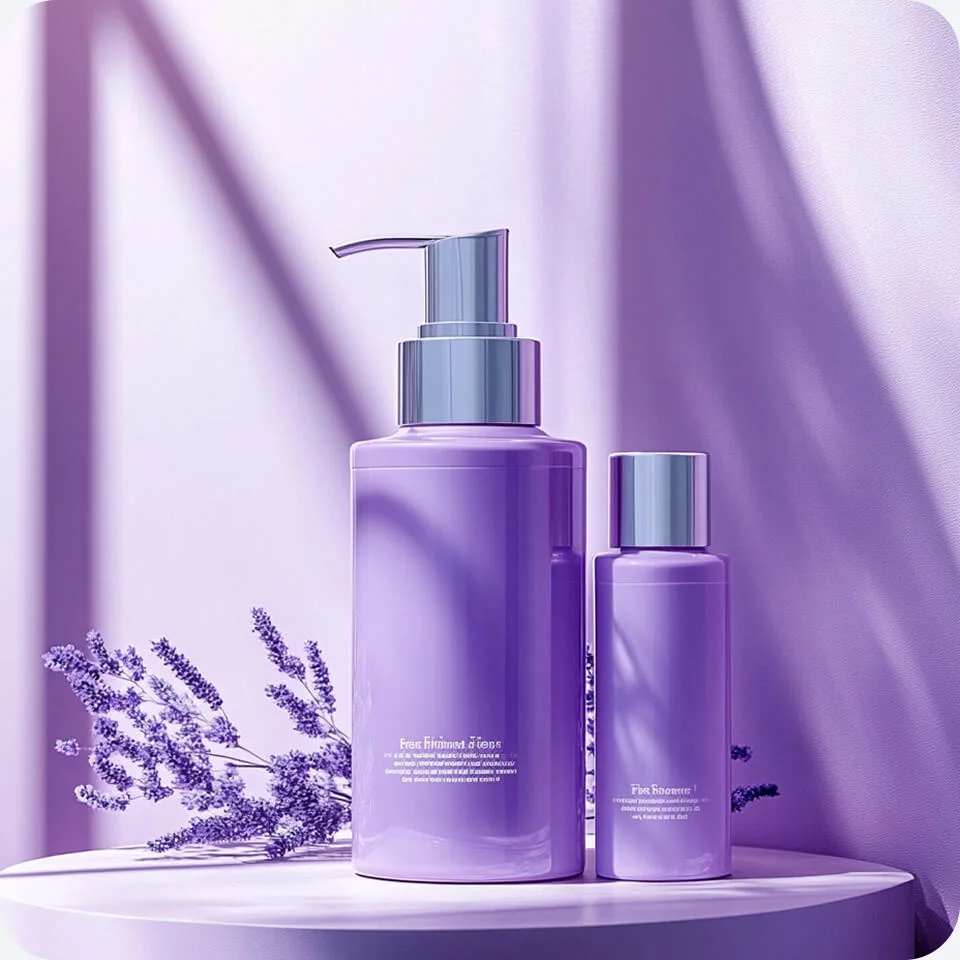
Product photos need to show textures, labels, and small details clearly. Artwork for DTF printing needs clean edges and enough pixels for the intended print size. Artguru’s AI blur remover sharpens both, while its built-in upscaling increases resolution to help meet 300 DPI requirements at your chosen print size.
Unblur logos and graphics you need to reuse
The original file isn’t always available. Improve soft outlines and fuzzy lettering in the copy you have. If the graphic also has blocky pixels or jagged edges, Artguru’s unpixelate image tool offers another way to clean it up.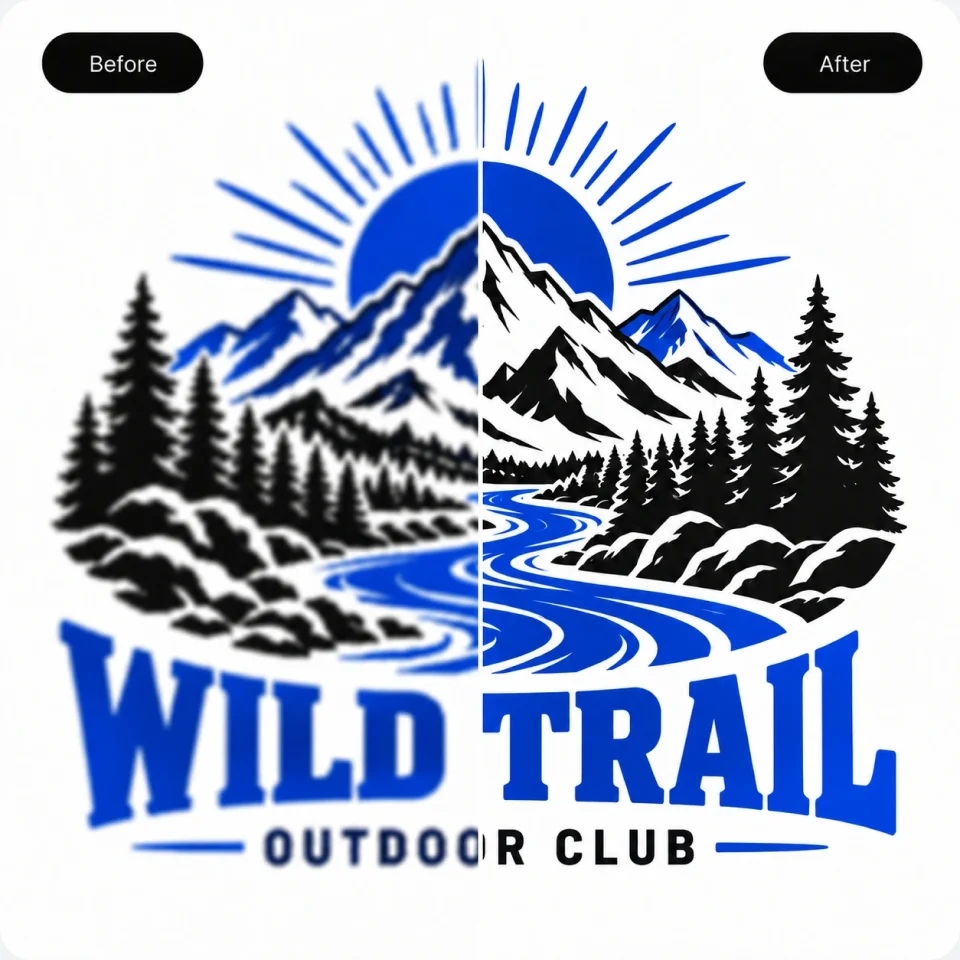
Unblur old photos to bring memories into focus
A clearer look at a familiar face can bring an old photo back to life. Reduce blur in scanned prints and older digital photos, whether they’re from your family album or a client’s collection. If your photos also have scratches, tears, or other damage you’d like to fix, Artguru’s photo restoration tool can help with those too.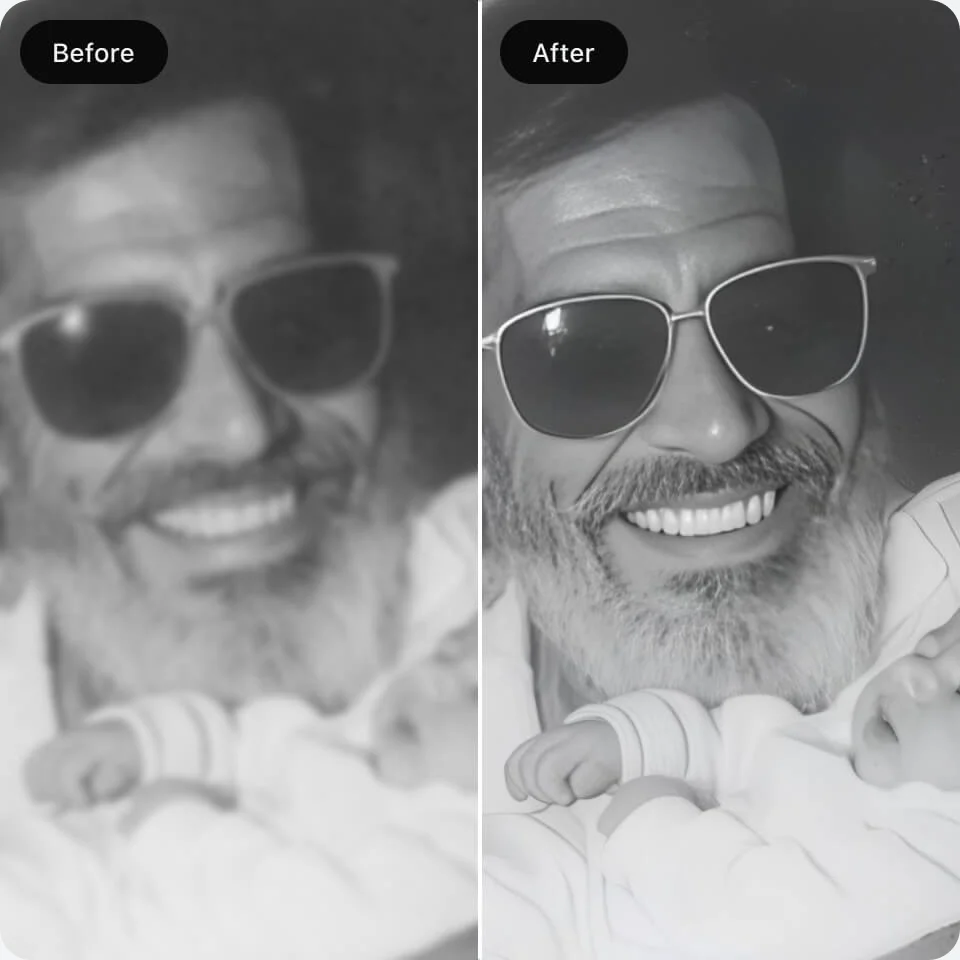
Why users choose Artguru's Unblur Image tool
PhotographyPhotographer
DTF apparel printingDTF print shop owner
Marketing material designGraphic designer
FAQs about unblurring images
Have more questions? Contact support@artguru.ai.More AI tools to improve your images